A Skylight calendar alternative that runs on a tablet you own
Skylight vs The Margin: the wall calendar, chores, meals, AI, offline use and the real first-year cost, from Skylight's own pages. Checked Nov 12, 2026.
If you want a family wall calendar like Skylight but don't want to buy a
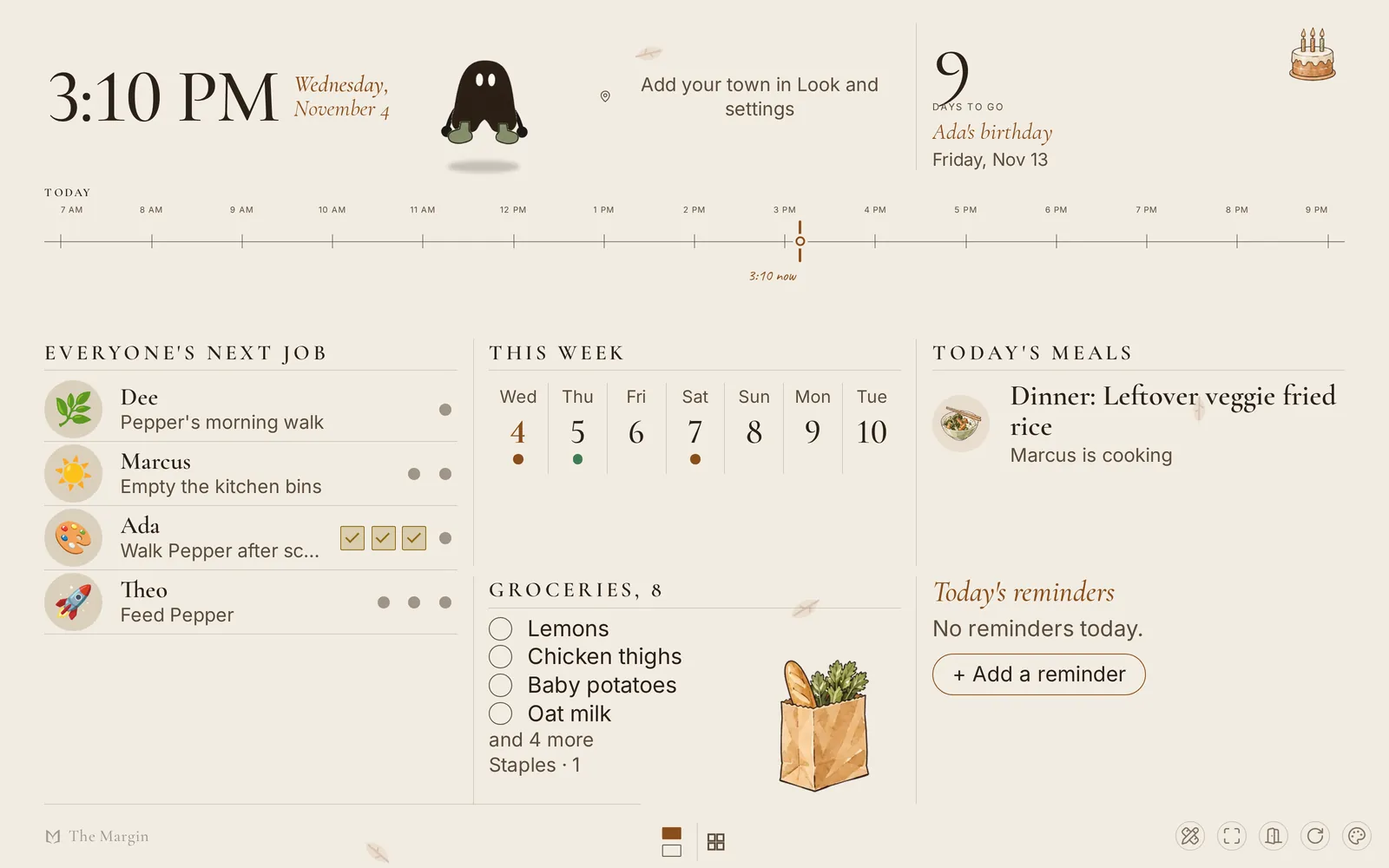
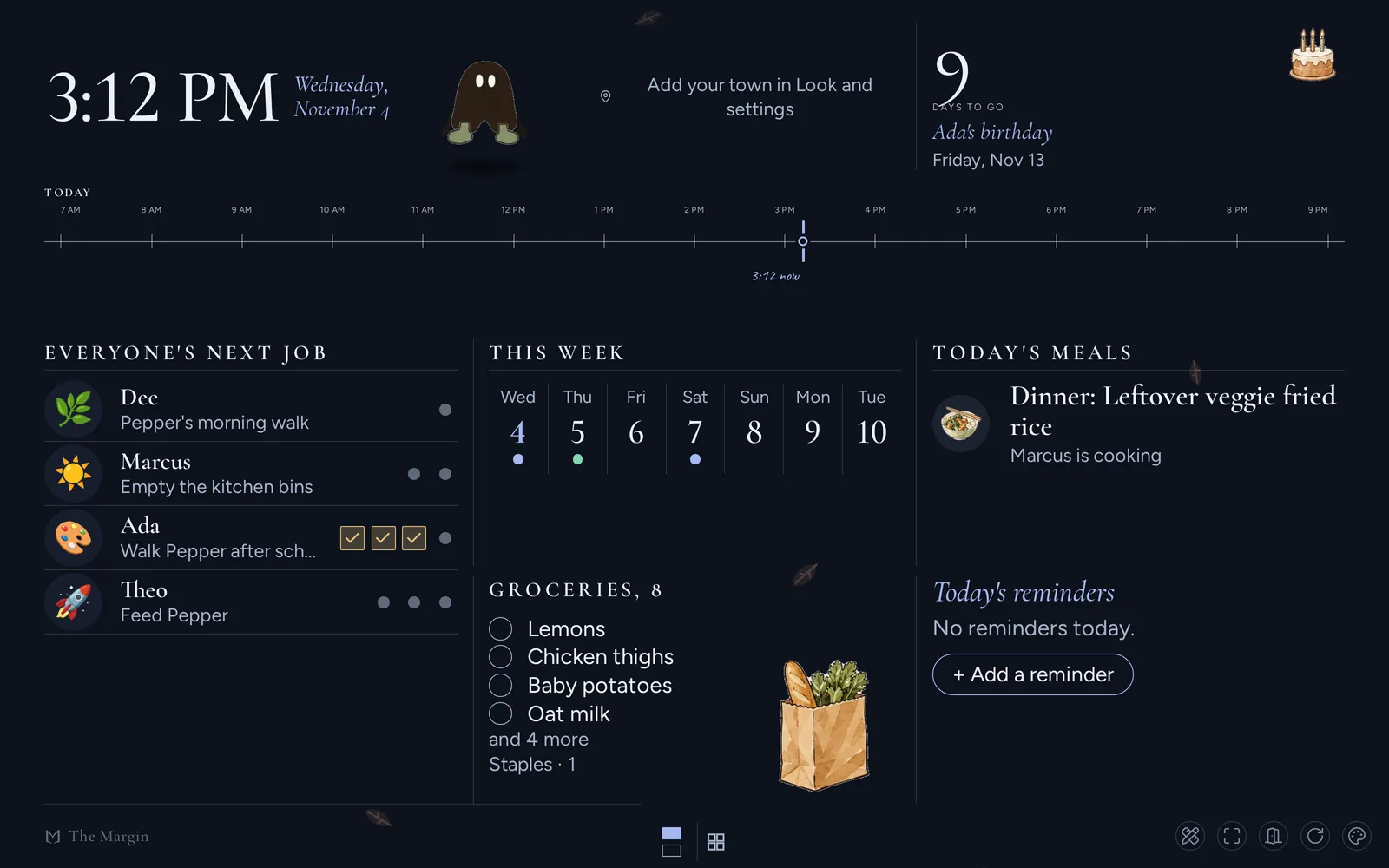
device, The Margin runs on a tablet, old laptop or TV you already own. Open
themarginapp.com/wall, sign in once, and the screen shows the week, each
person's chores, dinner and the shopping list, and it keeps working when the
WiFi drops. Every plan has a wall screen, Free included: on Free it is one
screen with one ready-made page you can't rearrange, and the chores, points
and meal plan on it come with the Family plan.
I make The Margin, so read this as one maker's comparison. Every fact about Skylight here comes from Skylight's own product pages, plan page and help center, read on November 12, 2026. Skylight changes its devices and prices, so check its compare page too if you are reading this much later.
Skylight vs The Margin at a glance#
| Skylight Calendar | The Margin | |
|---|---|---|
| What you buy | A screen: 10" from $149.99, 15" Calendar 2 from $289.99, 27" Calendar Max from $569.99 | Nothing. The wall is a web page on a screen you own |
| Subscription | Calendar Plus, $79 a year (optional) | Free plan, or Family at $25 a month ($20 a month paid yearly) |
| Shared calendar | Yes, free | Yes, every plan |
| Chores | Tasks are free; stars and rewards need Plus | Family plan: chores a parent can approve, points and rewards |
| Allowance | Not listed on Skylight's pages | Family plan: each child's balance is credited on payday (a record, no money moves) |
| Meal planning | Plus | Family plan; a week's ingredients go to the shopping list |
| Turning a school email into events | Sidekick, on Plus | Forward the email to the family's own address (Family plan) |
| AI | Sidekick on Plus; Skylight Assistant, an AI helper that works by text message, sold as its own plan that includes Calendar Plus (price not published) | Margin Intelligence on every plan, within a monthly allowance (how it compares) |
| Works with no internet | The device "needs a WiFi connection at all times" | Yes, once loaded; changes sync later |
| Photo frame | Plus on the Calendar; Frame Plus, $39 a year, is for Skylight's Frame | Family plan: the wall fades into family photos when nobody is using it |
| On your phone and laptop | A phone app (iPhone and Android) | The same app on any browser; iPhone and Android apps are in testing |
Sources for Skylight: compare calendars, Calendar Plus, the Calendar page and FAQ and About Skylight Plus and Skylight Plus plans, all read on November 12, 2026. "Not listed" means it was not on those pages.
Where Skylight is the better pick#
- It comes ready. You plug it in, and there is no tablet to find, charge, mount or keep awake. For a grandparent's kitchen that matters more than any feature in this table.
- Plus costs less than my Family plan: $79 a year against $240 a year paid yearly. If the screen and the chore stars are the whole job, Skylight costs less after the first year.
- It is a good photo frame. The Margin's wall shows photos too, but it is a planner first and the photos come second.
What Skylight owners complain about#
I read the 500 most recent US App Store reviews of the Skylight app on November 12, 2026, through Apple's public review feed. 81 of them were one or two stars, and three complaints kept coming up.
- Features behind a subscription after paying for the screen. "Half the options in the device are paywalled," one reviewer wrote in August 2026. Another objected to paying "$79/yr to do very basic things like have a photo screensaver."
- The phone app feels like an afterthought. "Trying to manage it via the app is very frustrating," from August 2026.
- Needing the internet. One review says "it needs to be connected to the internet to add anything to it," which matches Skylight's own FAQ.
Those are reviews, not tests I ran, so take them as reported. On the second point, The Margin works the other way round: the wall is a page of the app, so the same calendar, chores and list are on the wall, on your phone and on your laptop.
How the wall works in The Margin#
Once you have an account, open Wall from the app's sidebar, or type
themarginapp.com/wall on the tablet and sign in once. A family screen
starts on Everyone today: the clock,
the day's timeline and meals, and a lane for each person with their chores.
A child taps a chore to tick it, and a job that needs a yes waits for a
parent on their phone. The full setup, including pinning the page with
Guided Access on an iPad or screen pinning on Android, is in
the wall display guide.
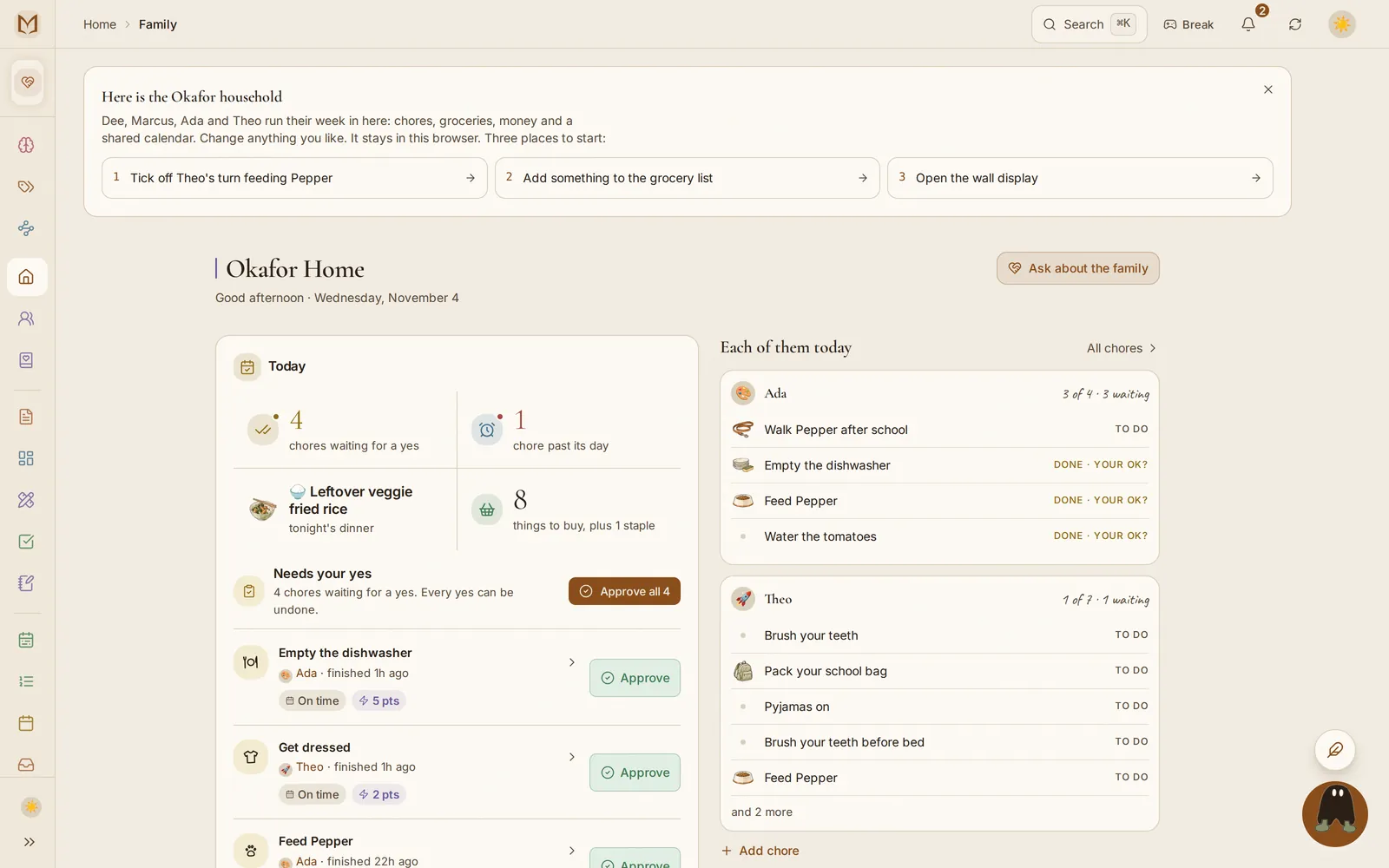
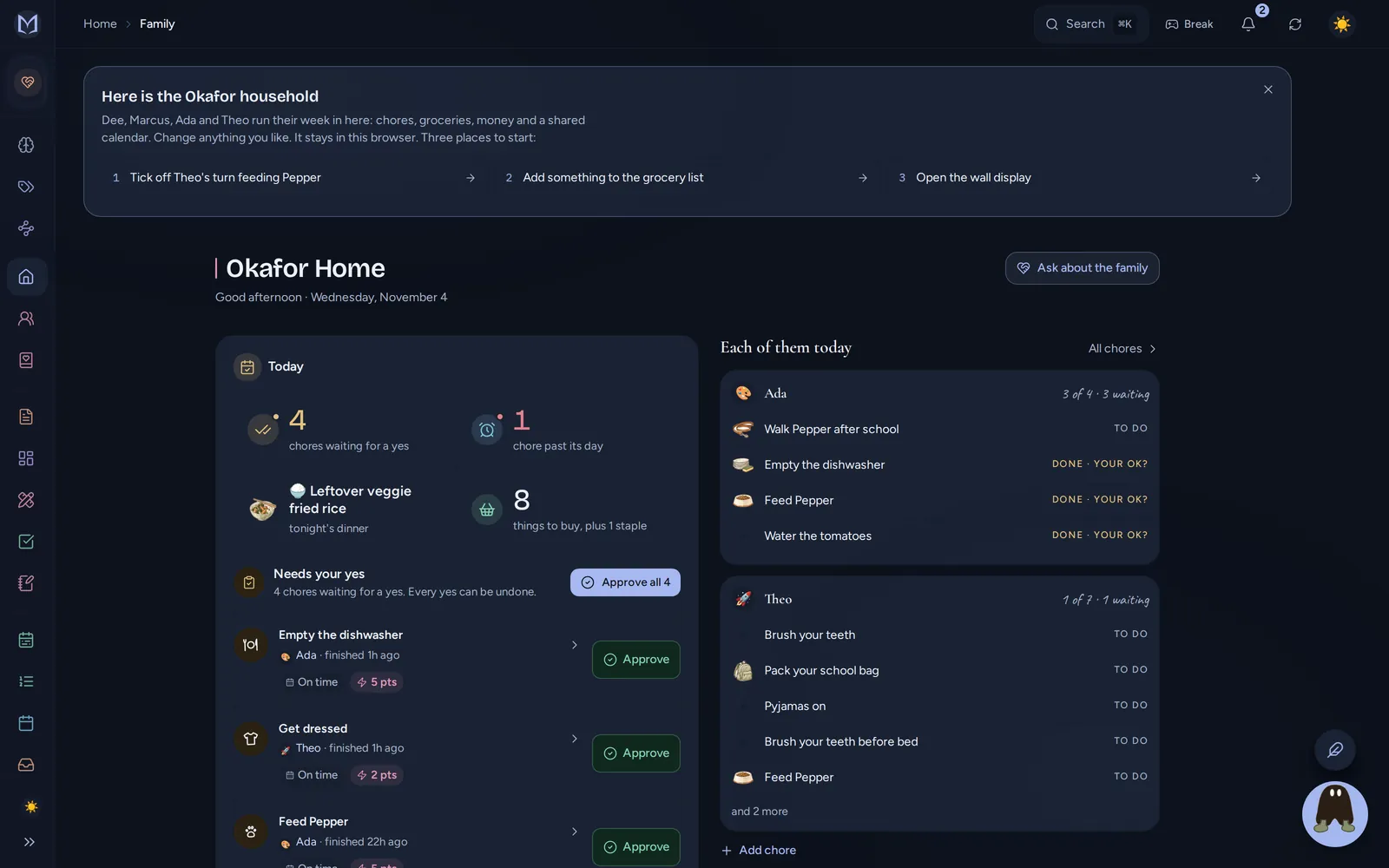
What sits on the wall is the household's own data, so the wall is only as good as the rest of the app:
- The calendar has a color per person, repeats, reminders and birthdays (planner and calendar). A school or club calendar can be subscribed to, and the family calendar can be shown in Apple Calendar or Outlook (integrations).
- Chores and allowance live together on the Family plan: a chore ticked on the wall adds points, a parent approves it if you want that step, and allowances pay themselves (allowance and chore points).
- Dinner and the list: plan the week's meals and the ingredients go to a shopping list sorted by aisle (recipes and the meal plan).
- School emails: forward one to the family's private address and the dates it finds wait under Letters to review until someone confirms them. A photo of a timetable or chore chart can be read into the app on every plan.
What it costs in the first year#
| Skylight | The Margin | |
|---|---|---|
| The screen | $289.99 (15" Calendar 2) | A tablet or laptop you already have |
| Software, year one | $79 for Plus | $0 on Free (one wall screen, one ready-made page), or $240 for Family paid yearly |
| First year, with chores and meals | about $369 with the 15", about $229 with the 10" | $240, plus a screen if you need one |
| Each year after | $79 | $240 for Family, or $0 on Free |
So with the 10-inch Calendar, Skylight is cheaper in year one and every year after. The Margin only comes out ahead if you would also use it on your phones and laptops, or if the free plan is enough. Current prices, including any discount for early members still on offer, are on the pricing page.
Moving from Skylight#
Skylight syncs with the calendars you already use, and so does The Margin, so the simplest move is to subscribe The Margin's calendar to the same sources and run both for a week. Chores and lists are quickest to add again by hand, or paste a list into the chat and ask Margin Intelligence to add it.
If you are also looking at Cozi, I compared it the same way on the Cozi alternative page. Who makes The Margin, and where the company is registered, is on the who makes it page.
Questions
Is there a Skylight calendar alternative without buying a device?
Yes. The Margin's wall display is a web page, themarginapp.com/wall, so any tablet, old laptop or TV with a browser becomes the family's wall calendar. Every plan has one wall screen, the free plan included. The Family plan adds chores, points and the meal plan on up to five screens.
How much does Skylight Calendar cost with the subscription?
On November 12, 2026 Skylight's own pages listed the 10-inch Calendar from $149.99, the 15-inch Calendar 2 from $289.99 and the 27-inch Calendar Max from $569.99, plus Calendar Plus at $79 a year for chore rewards, meal planning and Sidekick.
Does Skylight need a subscription?
Not for the basics. Skylight lists tasks, custom lists, profiles and the parental lock as working without one, next to the calendar itself. Stars and rewards on chores, meal planning, Sidekick's email and photo import and the photo screensaver need Calendar Plus, $79 a year.
Can I use an iPad as a family wall calendar?
Yes. Open themarginapp.com/wall in Safari, sign in once and pin the page with Guided Access (the iPad setting that keeps one app on screen) so it stays put. On the free plan the wall is one ready-made page; on the Family plan it shows each person's chores and dinner, and kids can tick off a chore by tapping it.
Does Skylight work offline?
Skylight's own help page says the calendar needs a WiFi connection at all times to operate. The Margin's wall keeps a copy of the household on the device, so once it has loaded it keeps showing meals, chores and the shopping list with no connection, and ticks sync when the signal is back.
Is Skylight Calendar worth it?
If you want a screen that works out of the box, with no tablet to set up, Skylight is a good buy, and Plus at $79 a year costs less than The Margin's Family plan. If you already own a tablet, or want the same calendar, chores and money on your phone and laptop too, The Margin does that without the hardware.
What is Skylight Sidekick?
Sidekick is part of Skylight's Calendar Plus. Skylight says it imports events and lists from forwarded emails and pictures, and can also suggest recipes and lists. In The Margin you forward a school email to the family's private address, and the dates it finds wait for someone in the household to confirm them.