Notion for families, or an app where the family parts are already built
Notion vs The Margin for running a household: calendar, chores, allowance, meals, offline use, AI and price, from Notion's own pages. Checked Nov 12, 2026.
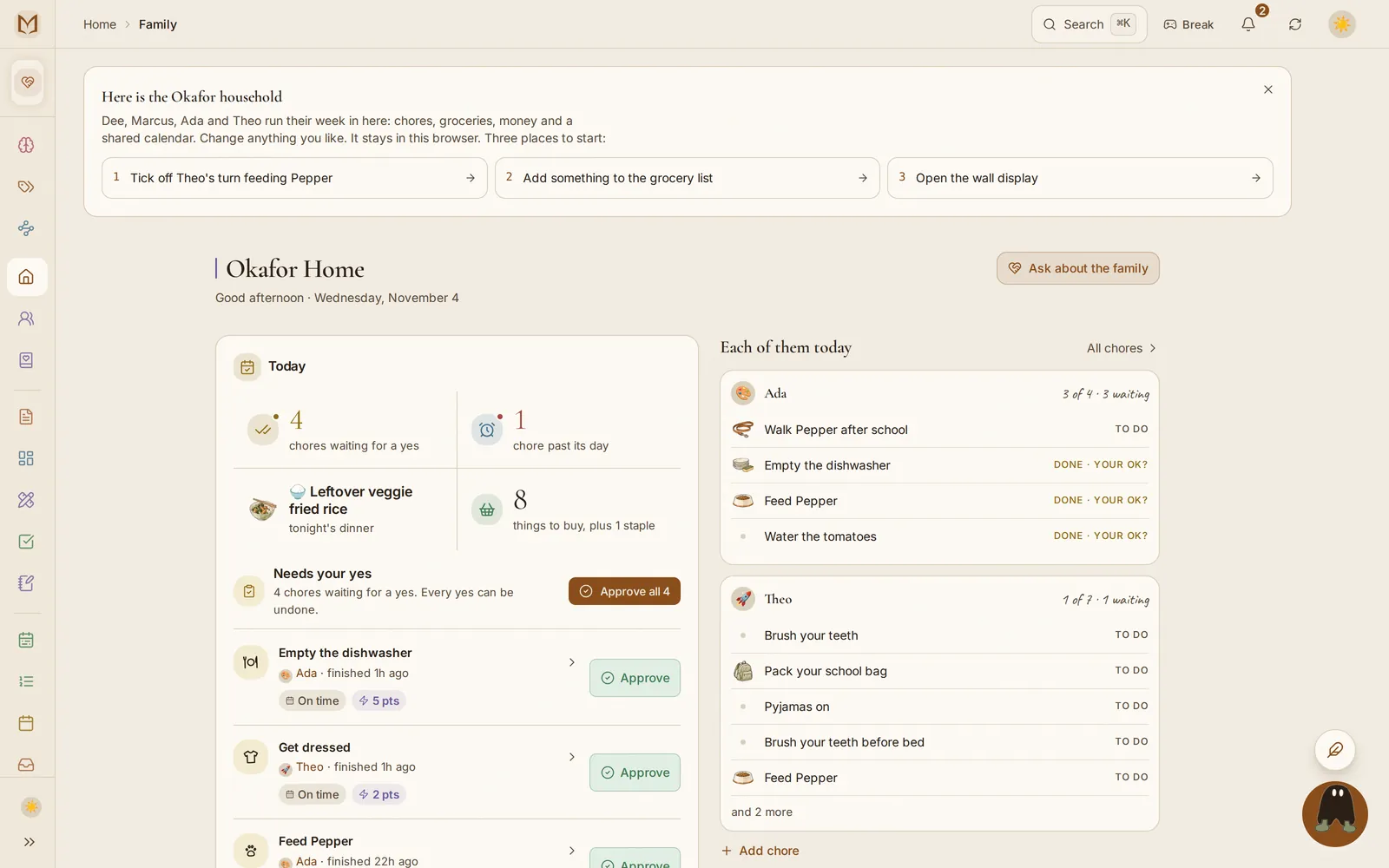
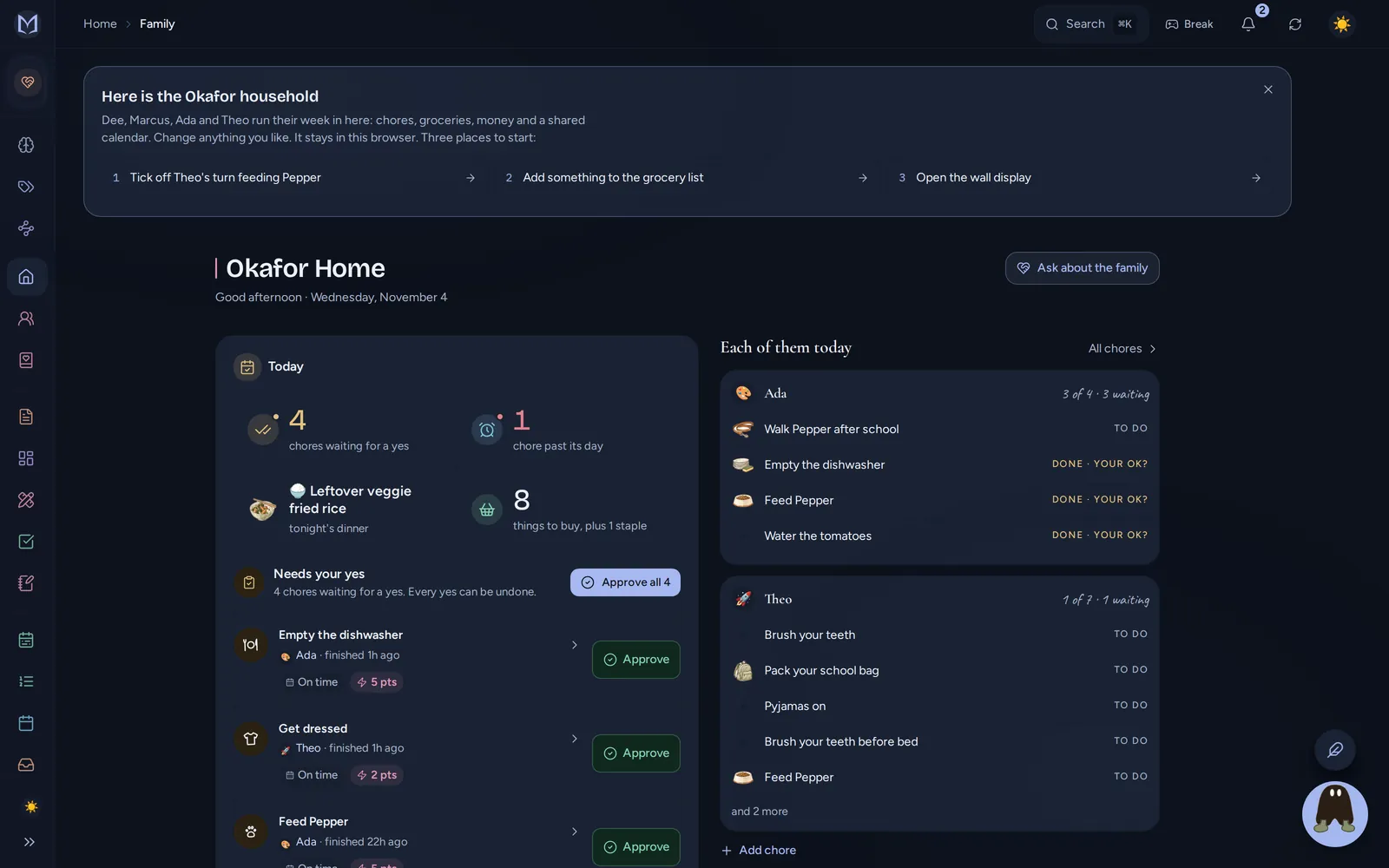
Notion works for a family if someone enjoys building and maintaining the system: the calendar, chore table and meal planner are pages you make or a template you adapt. The Margin is the Notion alternative for families where those parts are already built: a shared calendar, chores with approvals, allowance, a meal plan that fills the shopping list and a wall display, with notes and boards beside them. It also works fully offline, which Notion only partly does.
I make The Margin, so read this as one maker's comparison, and a fond one: Notion is a fine tool. Everything about Notion here is from Notion's own pricing page, help center and template gallery, read on November 12, 2026.
Notion vs The Margin for a household#
| Notion | The Margin | |
|---|---|---|
| What it is | A workspace of pages and databases you shape yourself | A family and personal organizer with the household parts built in |
| Price | Free; Plus $10 a member a month paid yearly ($12 monthly); Business $20 paid yearly ($24 monthly) | Free; Family $25 a month for the household ($20 paid yearly), up to six people |
| Family calendar | Notion Calendar, a separate free app over Google, Outlook and iCloud | Built in, a color per person, repeats, reminders and birthdays |
| Chores | A database you set up, or a community template | Family plan: assign, rotate, approve, points |
| Allowance | A database you set up | Family plan: balances that credit themselves on payday |
| Meal plan and shopping list | A template you set up | Family plan meal plan; the shopping list on every plan, sorted by aisle |
| Notes and docs | Excellent | Markdown notes with folders, links and backlinks |
| AI | Notion AI on Business and Enterprise; a limited trial on Free and Plus | Margin Intelligence on every plan, within a monthly allowance |
| Offline | Desktop and phone apps only; pages you download (plus recent ones on paid plans); 50 database rows | The whole workspace, on every device, web included |
| Kids | Guests or members, with the same pages as adults | Kids' profiles with their own view, PIN and chores, no email needed |
| Wall display | Not offered | Any tablet or TV, on every plan |
Sources for Notion: pricing, Notion AI FAQs, use pages offline and Notion Calendar, all read on November 12, 2026.
Where Notion is the better pick#
- You like building your own system. Notion lets you model the house any way you want. The Margin has opinions about how chores and allowance work, and you may not share them.
- Long documents and wikis. A family handbook with embedded databases and rich layouts is more at home in Notion.
- The template ecosystem. Thousands of people share Notion setups, and The Margin is one maker's app with a short list of templates.
- If you already pay for Notion at work and only need a personal page or two, adding another app makes little sense.
What families run into with Notion#
Notion is built for work first, and it shows in a few places at home.
- The phone app. Most of the logging in a household happens on a phone at the store or at pickup. In the 500 most recent US App Store reviews of Notion, which I read on November 12, 2026, the phone app was one of the two biggest complaints (the other was AI being added to the app): "the mobile app is a mess of bugs and inconsistencies," one from September 2026 says.
- Offline in practice. "I couldn't access my pages without an internet connection in the grocery store today," from an August 2026 review. Notion can work offline, but only for pages you downloaded ahead of time, on that one device.
- Repeating chores. A review of one popular household chores template in Notion's own gallery says it "can't figure out how to make a task recurring", and calls that "kind of a big deal for chores".
- Keeping it up. A template is a starting point. When the person who built it gets busy, the system tends to stop being updated.
In The Margin the household parts are built in. A chore repeats, rotates between kids, adds points and can wait for a parent's yes, and nobody has to maintain the formula that does it.
What stays the same if you switch#
The part of Notion you probably like most, writing things down and linking
them, is still here. Notes are plain Markdown with folders, [[links]] and
backlinks, and you can export everything on every plan
(notes, your data). Boards with cards,
columns, a table view and custom fields cover the project side
(boards and cards).
What changes is that the family side is not something you build:
- A family calendar with a color per person (planner and calendar).
- Chores, allowance and points, on the Family plan (allowance and chore points).
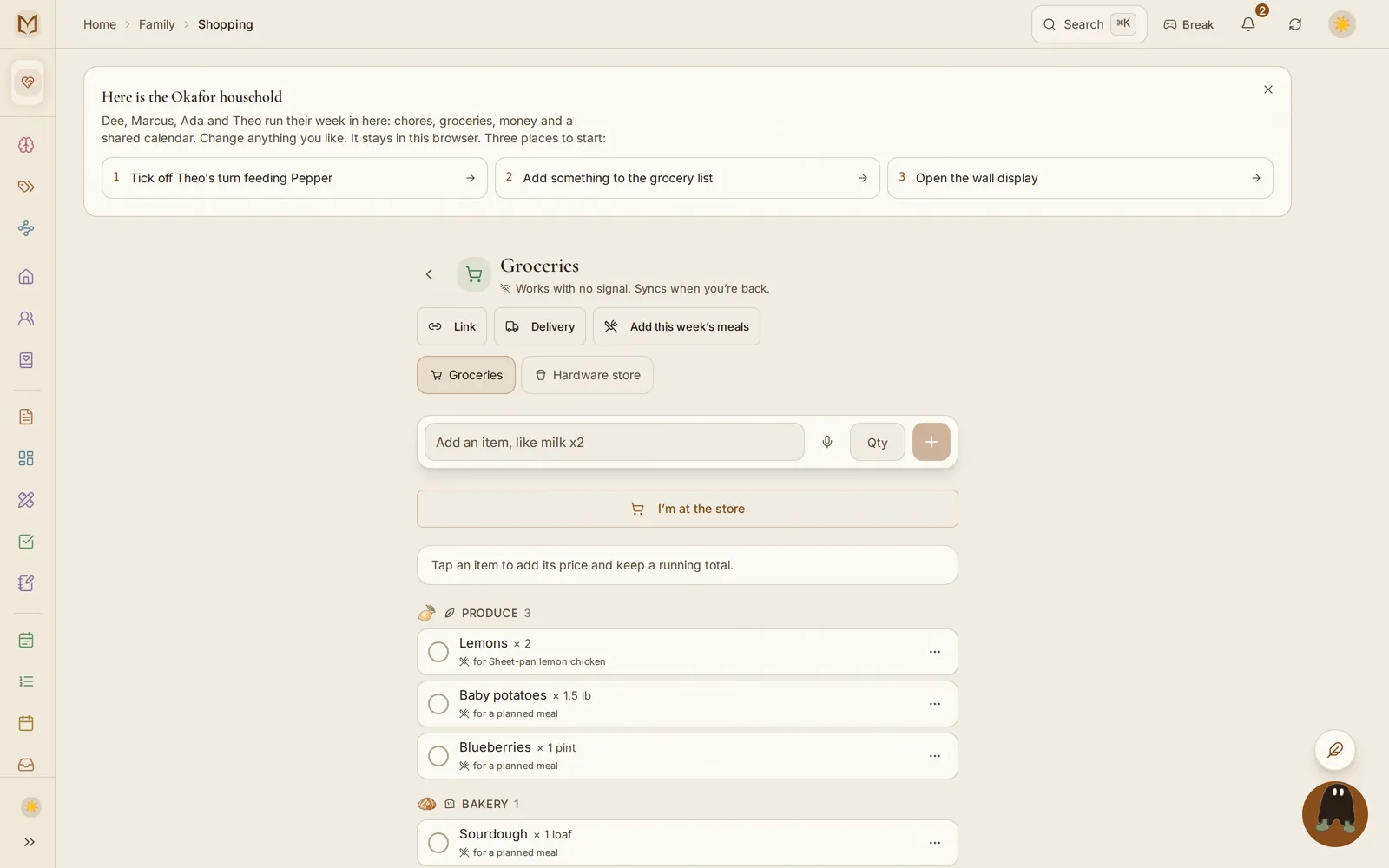
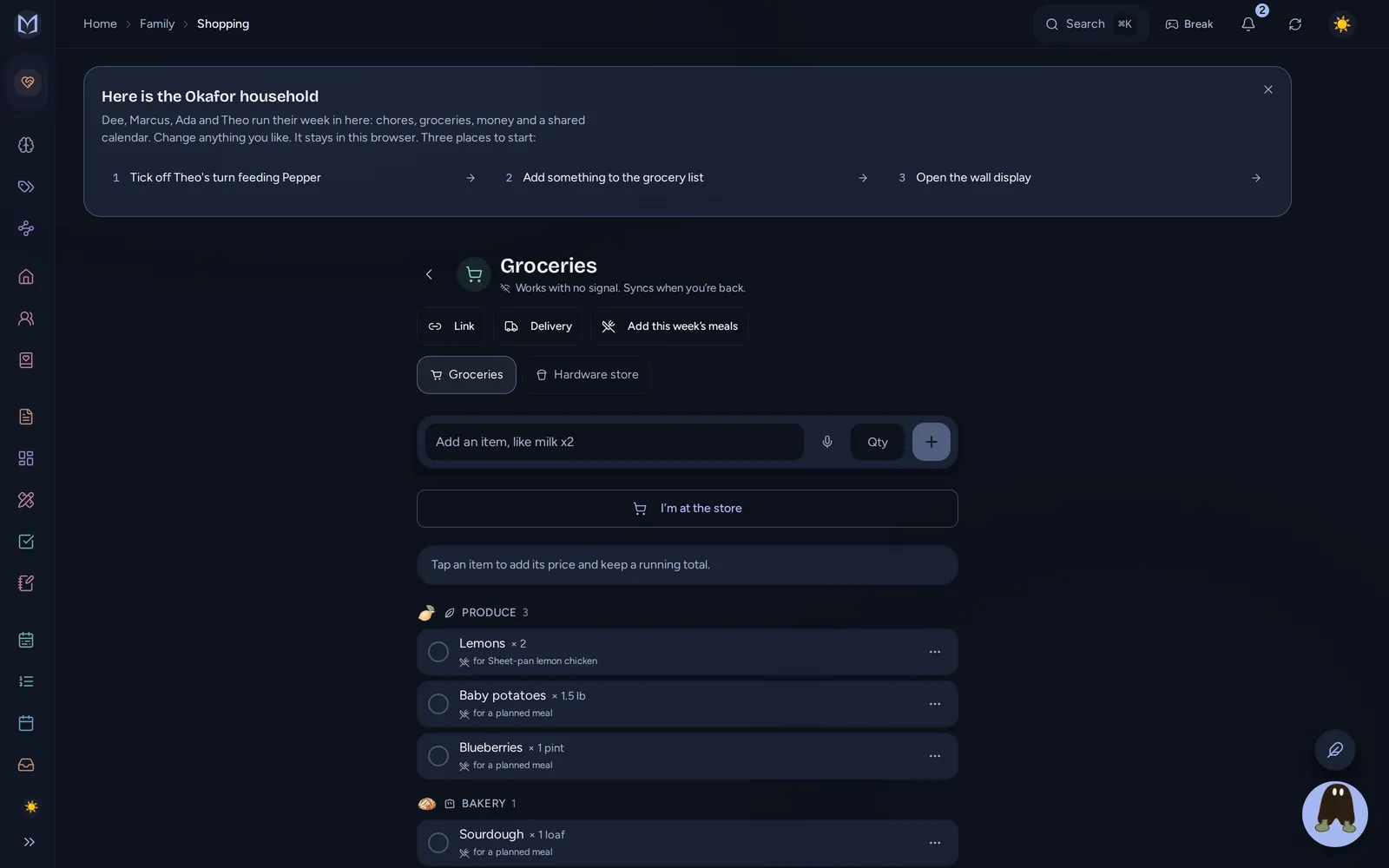
- Meals and the shopping list, with the week's ingredients sent to a list sorted by aisle (recipes and the meal plan, the shopping list).
- A wall display on any spare tablet (the wall display).
- The household book, the page for the wifi password, trash day and the doctor's number, with a read-only link for a sitter (the household book).
Moving from Notion#
Export your Notion workspace as Markdown & CSV, then import the zip into The Margin. Pages become notes in the same folder tree, and each database becomes a board with its columns kept as fields. A chore or meal table is better rebuilt as real chores and meals, which takes a few minutes. Images inside the export do not come across yet, and the import says how many it skipped. The steps are in importing your life.
If you are weighing other apps too, I compared The Margin with Cozi and with Skylight the same way, and the household planner page puts it next to Homechart and FamilyWall.
Questions
Is Notion good for family organization?
It can be, if someone in the house enjoys building systems. Notion gives you pages and databases, and family planners exist as community templates. It has no built-in chores, allowance, meal plan or shopping list, so those are tables you set up and keep up yourself.
What is the best Notion alternative for families?
One where the household parts already exist. The Margin has a shared calendar, chores with approvals, allowance and points, a meal plan that fills the shopping list, and a wall display, next to Notion-style notes and boards. It works offline on every device and has a free plan.
Is there a Notion family template?
Yes, several, made by the community rather than by Notion. On November 12, 2026 Notion's template gallery listed a free Family Management Planner and a household chores tracker, among others. One review of that chores tracker says the reviewer could not make a task repeat, which matters for chores.
Does Notion work offline?
Partly. Notion's help center says offline works in the desktop and phone apps, not the web. You mark a page available offline first (paid plans also keep recent and favorite pages), only the first 50 rows of a database come down, and a page downloaded on one device is not offline on another. The Margin keeps a full copy of the workspace on every device.
How much does Notion cost for a family?
Notion is priced per member. On November 12, 2026 Plus was $10 a member a month paid yearly ($12 monthly) and Business $20 paid yearly ($24 monthly). Notion AI comes with Business and Enterprise; Free and Plus get a short trial. The Margin's Family plan is one price for a household of up to six: $25 a month, or $20 a month paid yearly.
Can I move my Notion pages into The Margin?
Yes. Export your Notion workspace as Markdown and CSV and import the zip. Pages become notes in the same folder tree, and each database becomes a board. A chore table is better rebuilt as real chores, which takes a few minutes. Images inside the export do not come across yet.
Does Notion have a family calendar?
Notion Calendar is a separate free app that shows your Google, Outlook and iCloud calendars next to your Notion pages. It has no colors per family member, chores or meal plan of its own. The Margin's calendar is part of the family workspace, with a color per person, birthdays and reminders.