Chapter 33 · In practice
Running a four-person team's week on boards, rules and the Team hub
Monday to Friday with a small team in The Margin: one saved view each, cards that wait on other cards, a rule that hands work over, and an agent that writes the Monday digest.
The Margin3 min read
The short version
- A saved view gives each person one list across every board: theirs, due this week.
- On the Team plan a card can say what it is waiting on, and a rule hands it to the next person when it moves.
- The Team hub shows who is carrying what, and a team agent writes the weekly digest on a schedule.
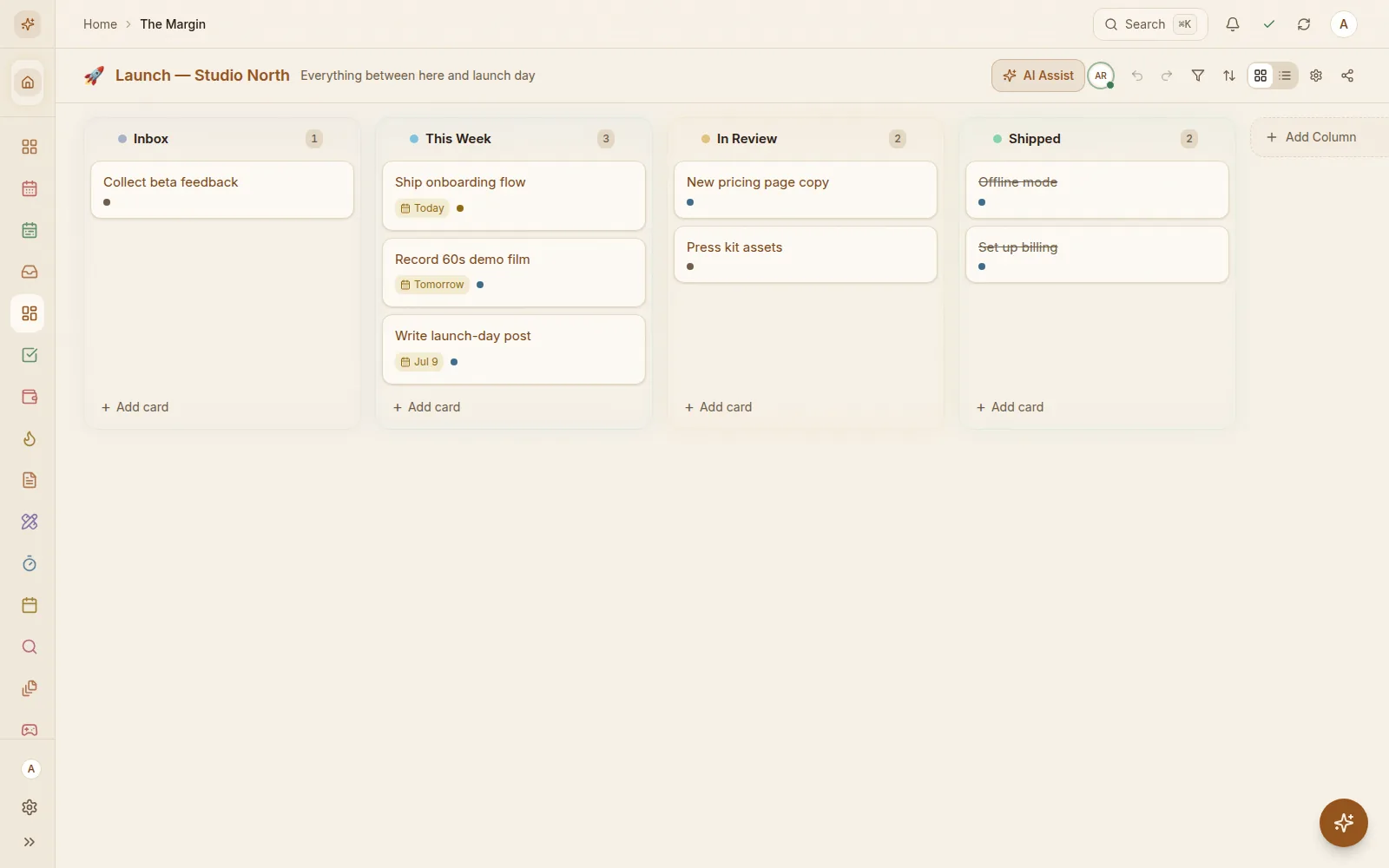
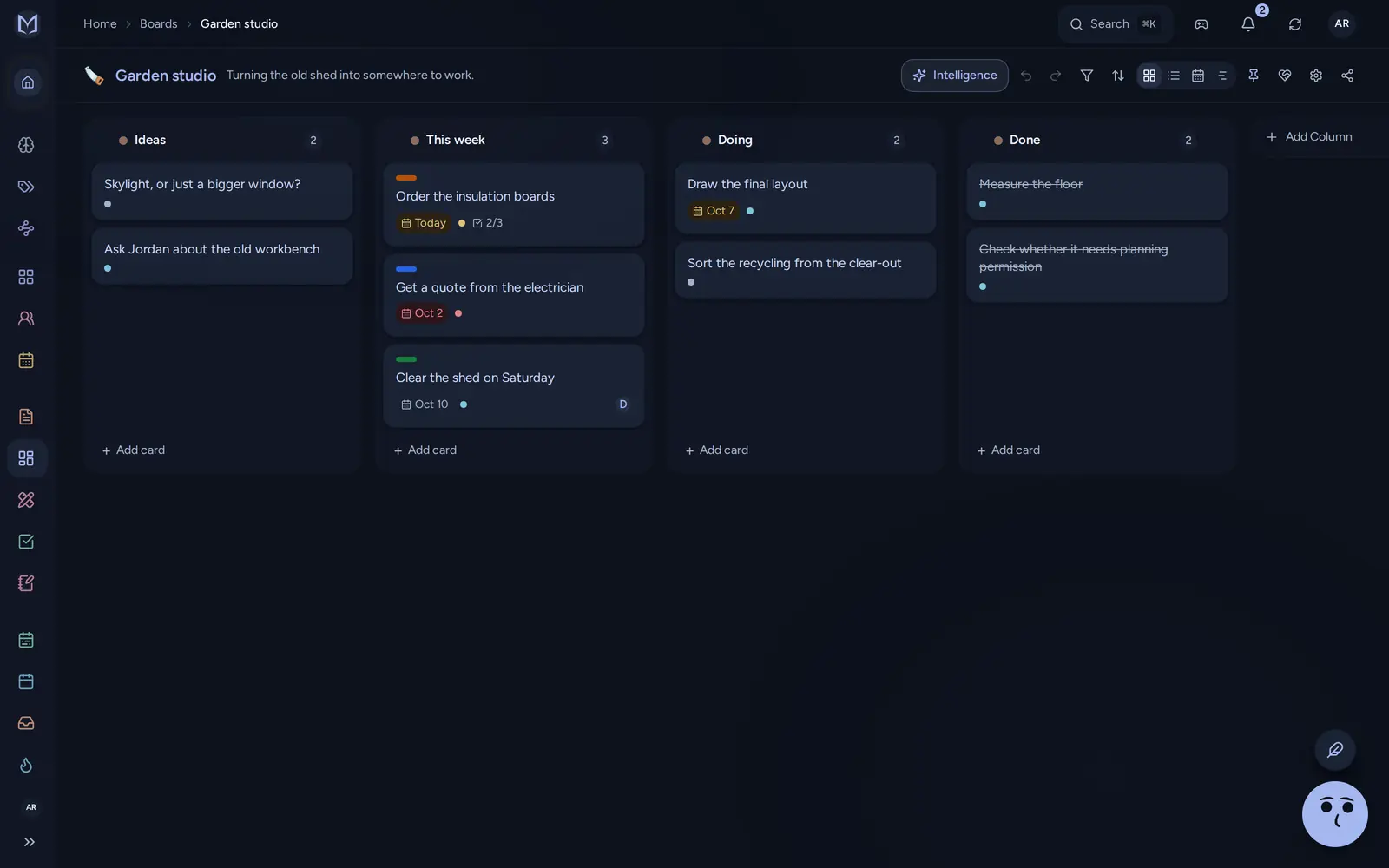
Take an example studio of four that builds websites for local businesses. Dana runs the projects, Theo designs, Ines builds and Marcus writes the copy. They run three boards, one per client, in one team workspace on the Team plan.
Monday, Sep 21#
At 9:00 AM a team agent called "Monday digest" ran by itself. A team agent is an AI helper the team sets up once, with plain-language instructions and a schedule. This one lists what was finished last week, what is due this week and what is overdue, naming the people. Dana also gets it by email.
It said three cards were overdue, and that nobody owned "Write the privacy page".
The digest only reads. It doesn't touch a card, which is why Dana is happy to leave it running unattended.
Then Dana opened the Team hub. Its first list, Needs attention, is ordered by how stuck each thing is. Monday's showed three overdue cards, one card with no owner, and one board only one person could open.
That board was new. Ines had made it on Friday, and a new board starts with only its maker on it. Dana added Theo and Marcus from the hub's Access tab without opening the board.
Tuesday#
Everyone works from a saved view rather than from the boards.
Ines's view is called "Mine, this week". It sits in her sidebar and lists her open cards from all three boards at once, grouped by when they are due, each with its board and column. She ticks cards done from there. She opens a board only when she needs the whole picture.
A saved view is private to the person who made it. Deleting one removes the filter, never a card. Saved views come with Pro and Family too.
Tuesday's real work was the florist's homepage, and it had an order. Ines couldn't build until Theo's design was done. Theo couldn't finish until Marcus had the headline.
So Dana opened Ines's card and, under Waiting on, picked Theo's design card. On Theo's card she picked Marcus's headline card. The cards on the board now said "Waiting on 1", so anyone could see Ines couldn't start yet.
Waiting on only links cards on the same board. A dependency on another client's board still has to be a comment.
Wednesday#
Theo finished the design at 11 and dragged it to Review.
The board has a rule for that, set up weeks ago in the board's settings. It reads back as one sentence:
When a card moves to Review, tell Dana and set priority to high.
It ran a moment after the move. Theo did nothing else, and Dana got the notification.
A rule starts when a card is added, completed or moved to a column. It can then take up to five steps. Each step tells someone, assigns someone, sets the priority, sets a field, marks the card done or moves it.
The board also has one extra field on every card, "Estimate". Fields, rules and Waiting on all come with the Team plan.
A change made by a rule never sets off another rule, so two rules can't bounce a card between columns forever.
Thursday#
Planning day. Dana opened Workload in the Team hub and switched it to the timeline. Each person gets a row and each day of the week a column, with every card on the day it is due.
Ines's Friday had five cards. Marcus's had none.
Two of the five were copy edits that didn't need a developer, so Dana gave them to Marcus. The timeline moved as she did it, because Workload reads the same data on her laptop that every board does. It works offline too.
Friday#
Ines shipped the florist's homepage at 4:40 PM. The Waiting on labels had cleared by themselves once Theo's and Marcus's cards were done.
Late that afternoon Dana went to check whether the studio's bookkeeping board was behind. Workload didn't show it.
The page says why, right under its header: it covers the boards you are on, not every board in the workspace. Dana isn't on the bookkeeping board. Ines made it in the spring to track invoices and never added anyone. It shows up in Access, under Only one person.