Chapter 28 · In practice
A family Sunday reset: the week's dinners, the shopping list and the chores
One Sunday afternoon at the Riveras' table: five dinners planned, a shopping list nobody typed, a store run with no signal, and chores that pay only when a grown-up has seen the job done.
The Margin4 min read
The short version
- Alex plans the week's dinners on the meal plan, and one button turns them into a shopping list with repeats combined.
- Sam claims the Tuesday store run and ticks things off with no signal; the list catches up when the phone does.
- The week's chores go on a rota with approval, so a reward lands only after a grown-up has seen the job done.
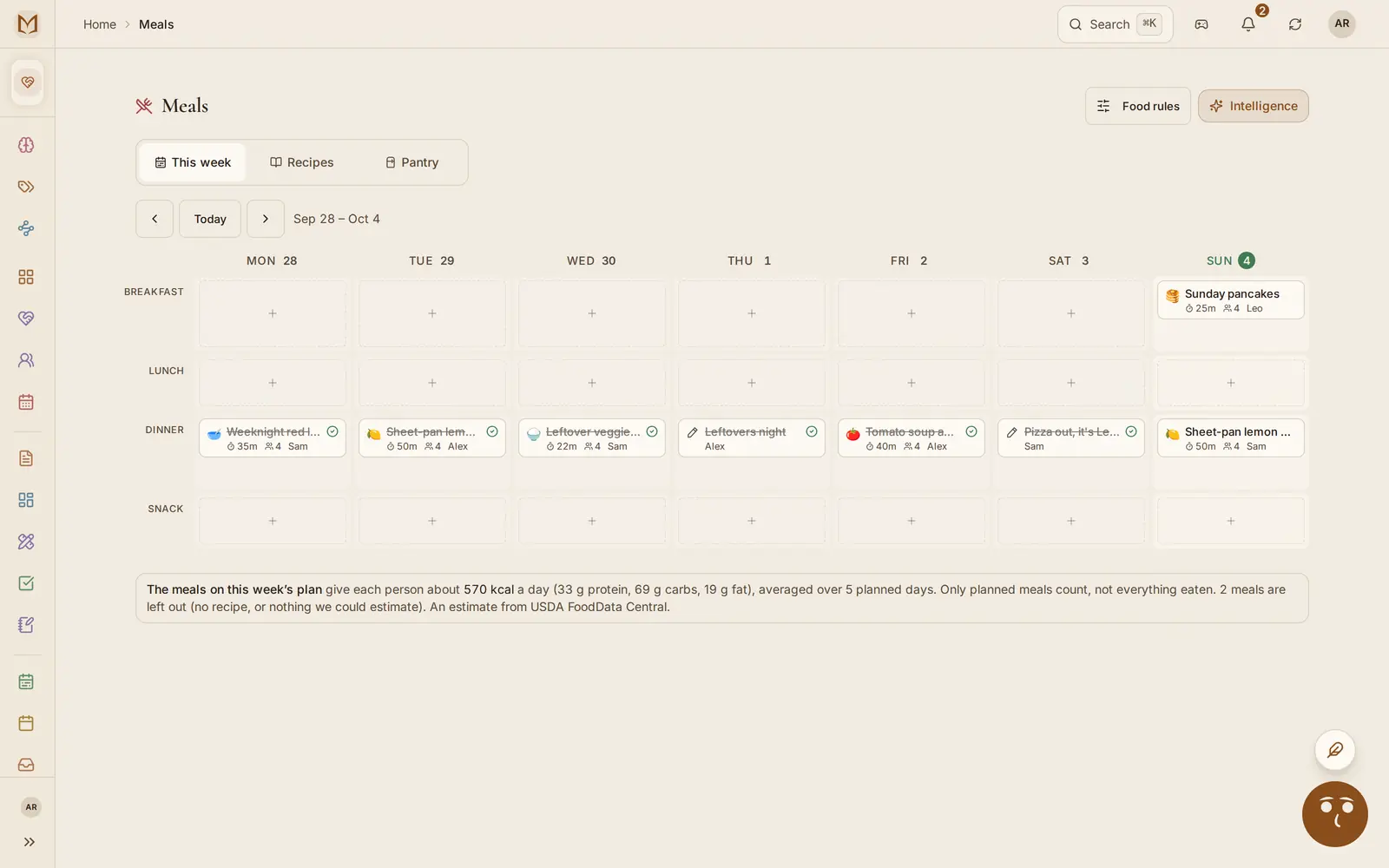
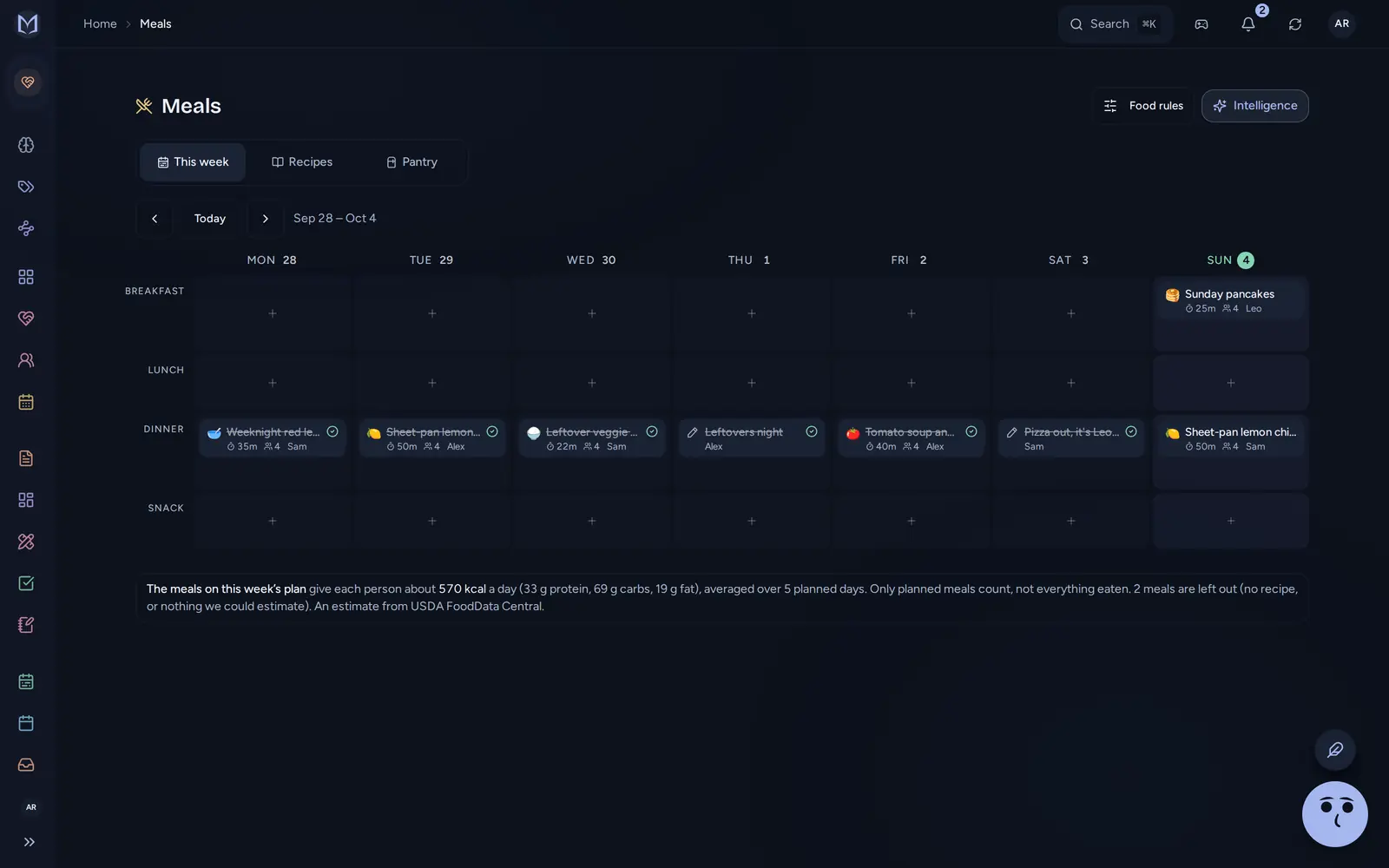
Sunday, Sep 27, 4:30 in the afternoon. Alex Rivera has the laptop open at the kitchen table. Sam is unloading the dishwasher. Maya, 11, and Leo, 7, have been sent to find their gym clothes.
The reset has three parts, in this order: the dinners decide the shopping, and the shopping decides who is at the store on Tuesday instead of walking the dog.
The dinners#
Alex opens Meals. On a laptop it is a grid: Monday to Sunday across the top, breakfast, lunch, dinner and snack down the side. Tapping a slot offers the household's saved recipes or a box to type in.
- Monday: sheet-pan lemon chicken. Sam is cooking.
- Tuesday: red lentil dal.
- Wednesday: leftover veggie fried rice.
- Thursday: tomato soup and grilled cheese, Leo's request.
- Friday: "Leftovers", typed as a word.
- Saturday: "Eat out".
- Sunday breakfast: pancakes.
Friday and Saturday are not recipes and do not need to be. A typed meal still counts as dinner on the plan. It just has no ingredients, so it adds nothing to the shopping.
Each meal can also carry a number of servings, who is cooking, and a note for that person. The household's Food rules sit at the top of the page: what the family avoids, how many they usually cook for. The app's built-in AI, Margin Intelligence, reads them if Alex asks it to plan a week. This week Alex does it by hand.
The list#
Food rules has a switch, Add ingredients to the shopping list. With it on, each planned meal puts its ingredients on the list a few seconds after it saves. The Riveras keep it off, because Alex likes to see the whole week first.
So Alex opens the shopping list and presses Add this week's meals. It reads every planned recipe, scales it to the servings planned, and puts the same ingredient from different dinners on one line: the dal and the soup each want an onion, and the list says "Onion 2".
Every line lands in one of 13 aisles, in the order you walk a store, from Produce to Other. Each one says "This week's meals" underneath, so it is clear what the plan added and what a person typed.
Then Sam says Monday's chicken should be doubled, for lunch on Tuesday. Alex changes the servings and presses the button again. The 8 chicken thighs become 16. Nothing else changes, and a line someone already edited or ticked is never overwritten.
Maya needs glue sticks for a school project, so Alex types them in. The app doesn't know which aisle glue sticks belong in, so they go under Other.
Tuesday, 6:10 pm, the store#
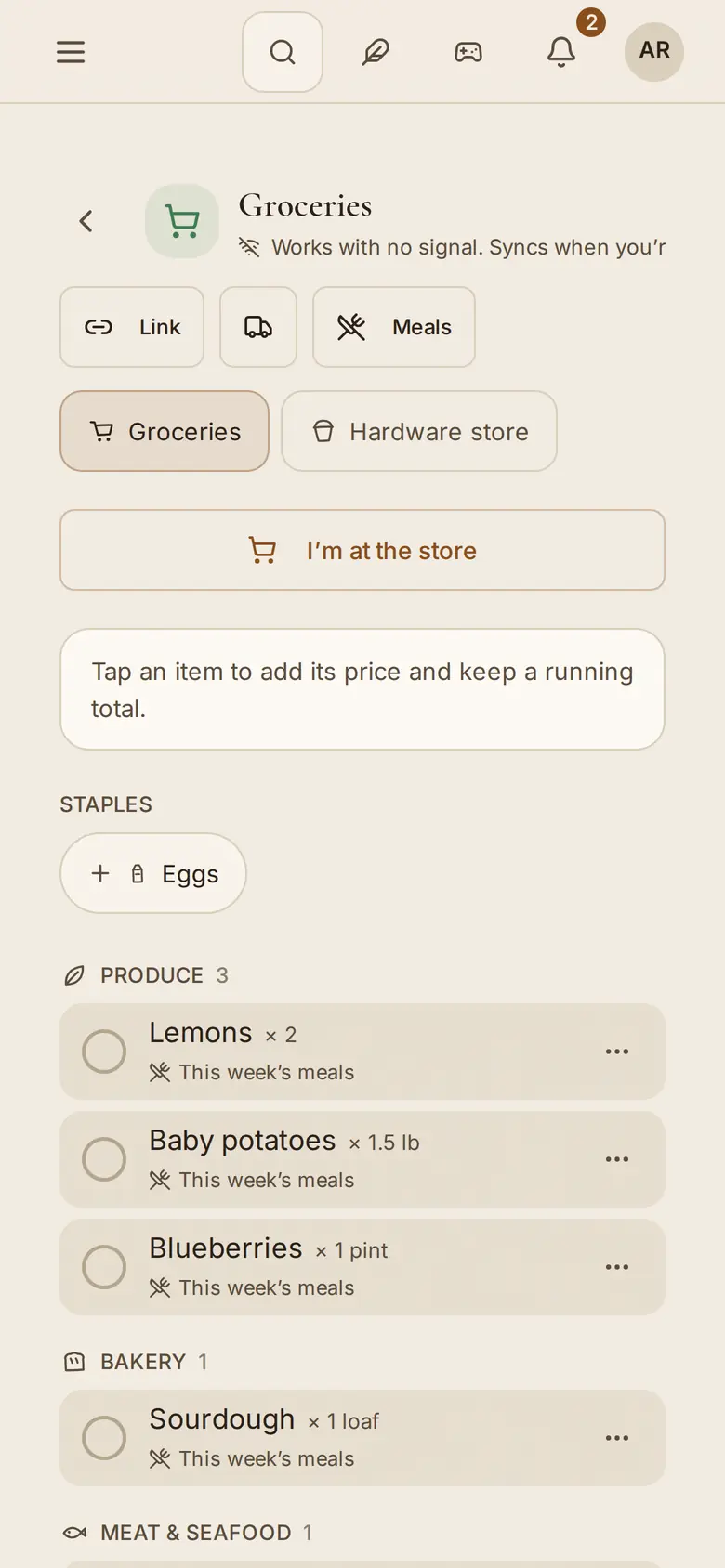
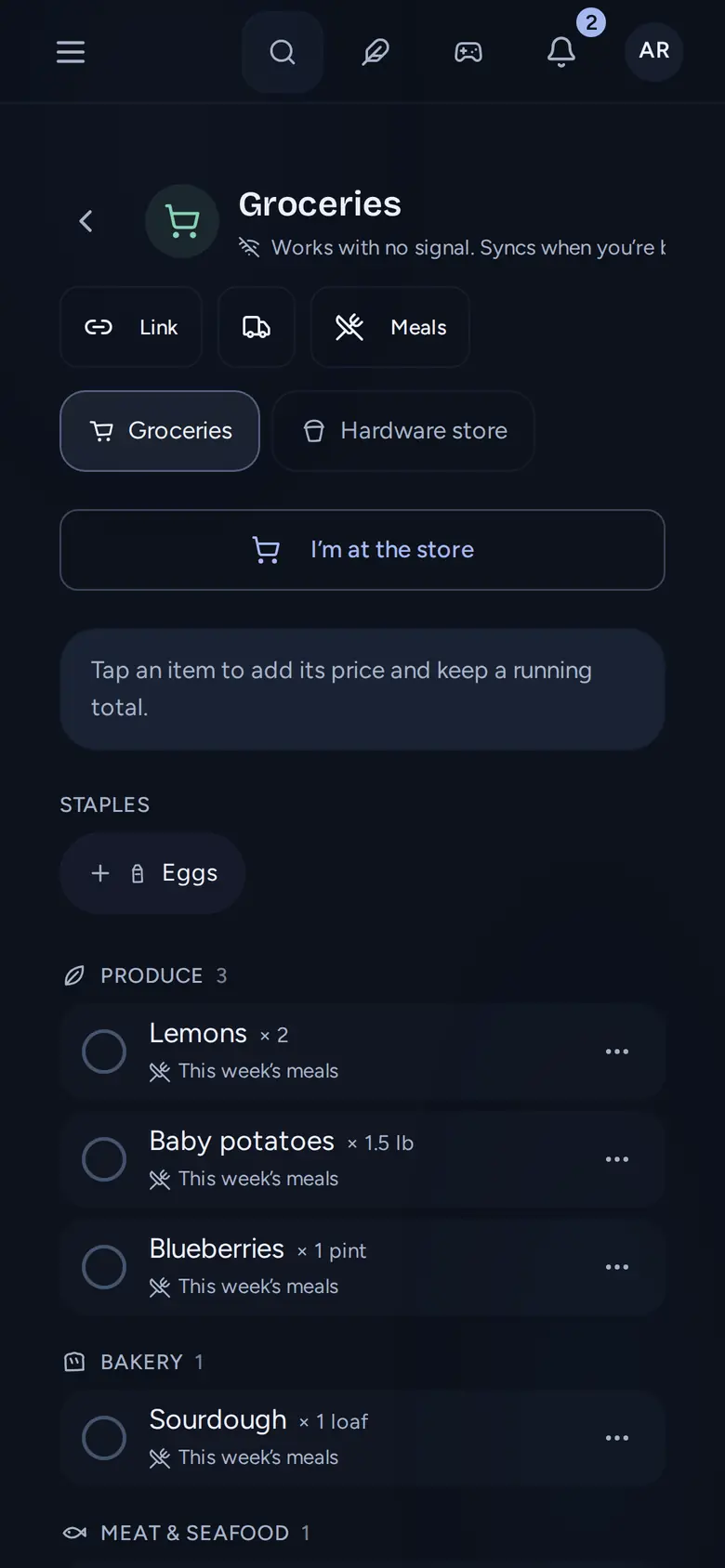
Sam taps I'm at the store in the parking lot. At home, the list now shows Sam's name at the top, so Alex doesn't also stop for milk on the way back.
The back of the store has no signal. That changes nothing. The list is saved on Sam's phone first, so ticking a line moves it under In the cart at once, in a basement or anywhere else. Adding the bread Alex forgot works too, and so does Undo after a mis-tap on the spinach. Everything catches up when the phone finds a signal.
At the register Sam taps Finish run, types $142.60 from the receipt, and presses Log & finish. The amount goes to Expenses with the list and the item count filled in, and the ticked items clear.
Back to Sunday, the chores#
Alex set the chores while the list was being argued about. A chore can take most of what it needs from its title: "Take the trash out every week @Leo Tue" fills in the repeat, the person and the first day.
The dog walk is the hard one. "Walk Biscuit after school" is daily, and Maya and Leo each say the other always skips it. Alex picks both under Take turns, Maya first. Every card now says whose turn it is and who is next. When a turn is approved, the next one appears straight away: "Leo has the next turn, Monday, Sep 28".
A chore pays either points or money, never both. The walk pays points, and a day late pays a quarter less. "Empty the dishwasher" pays $1 onto that child's pocket money balance.
Nothing pays when a child presses Done. The chore moves to Needs approval, where a grown-up sees who did it and when. Approve credits the reward. Undo takes it back with an opposite entry, so nothing is quietly edited. Review lets you change the reward, reject it with a note, or ask for a redo.
On Monday, the walk card in Done reads "Maya's turn, done" and, under it, "Passed to Leo".