Chapter 29 · In practice
Co-parenting across two households: sharing a child's chores, pocket money and calendar
When Maya and Leo split the week between two homes, each parent keeps their own household in The Margin, and three switches decide what crosses between them.
The Margin4 min read
The short version
- A child can belong to two family workspaces at once, one per home, and each home keeps its own chores, points and pocket money.
- Three switches (chores, pocket money, calendar) decide what each home can see of the other, read-only.
- Nothing else crosses: not the other house's notes, spending, chat or other people.
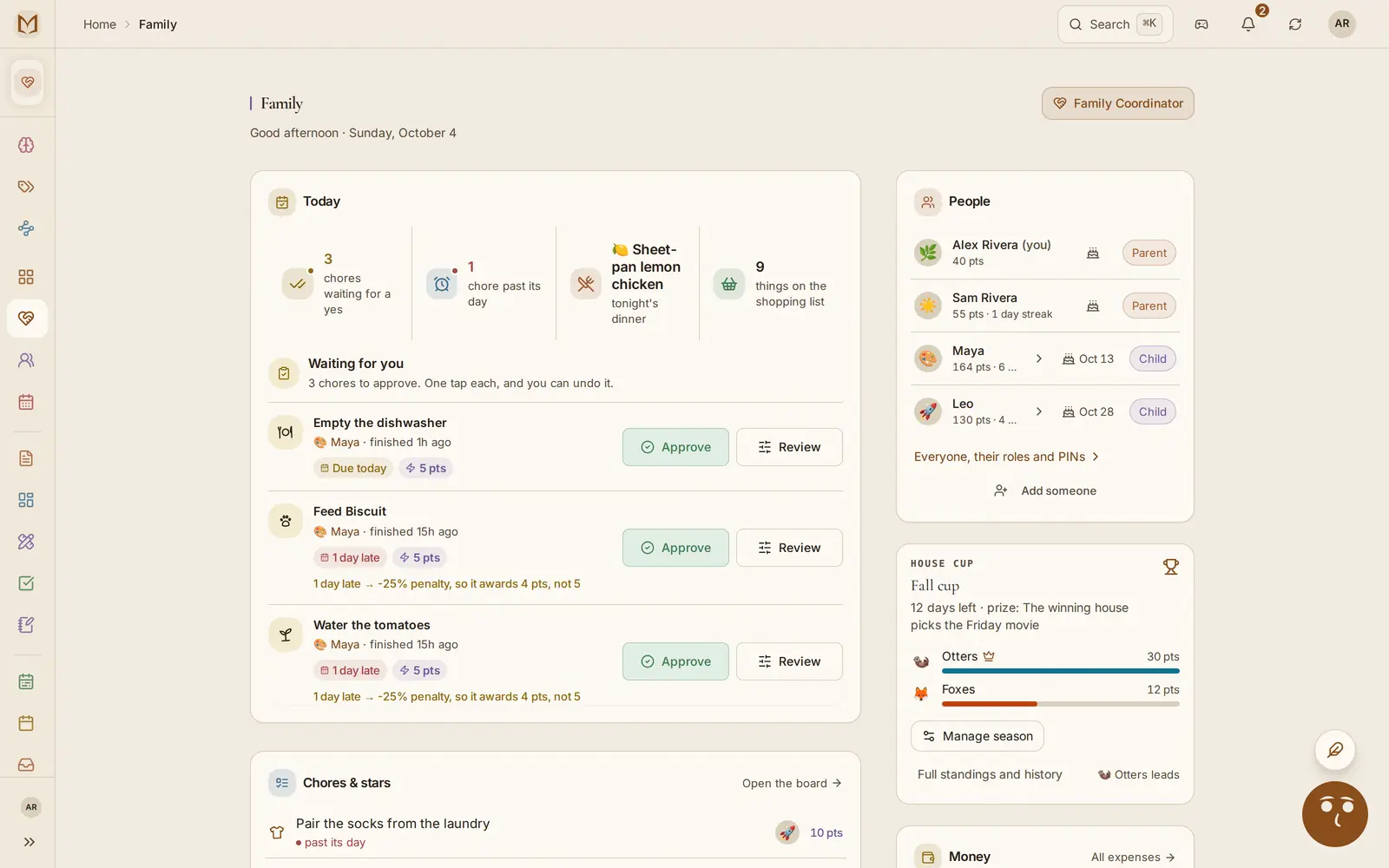
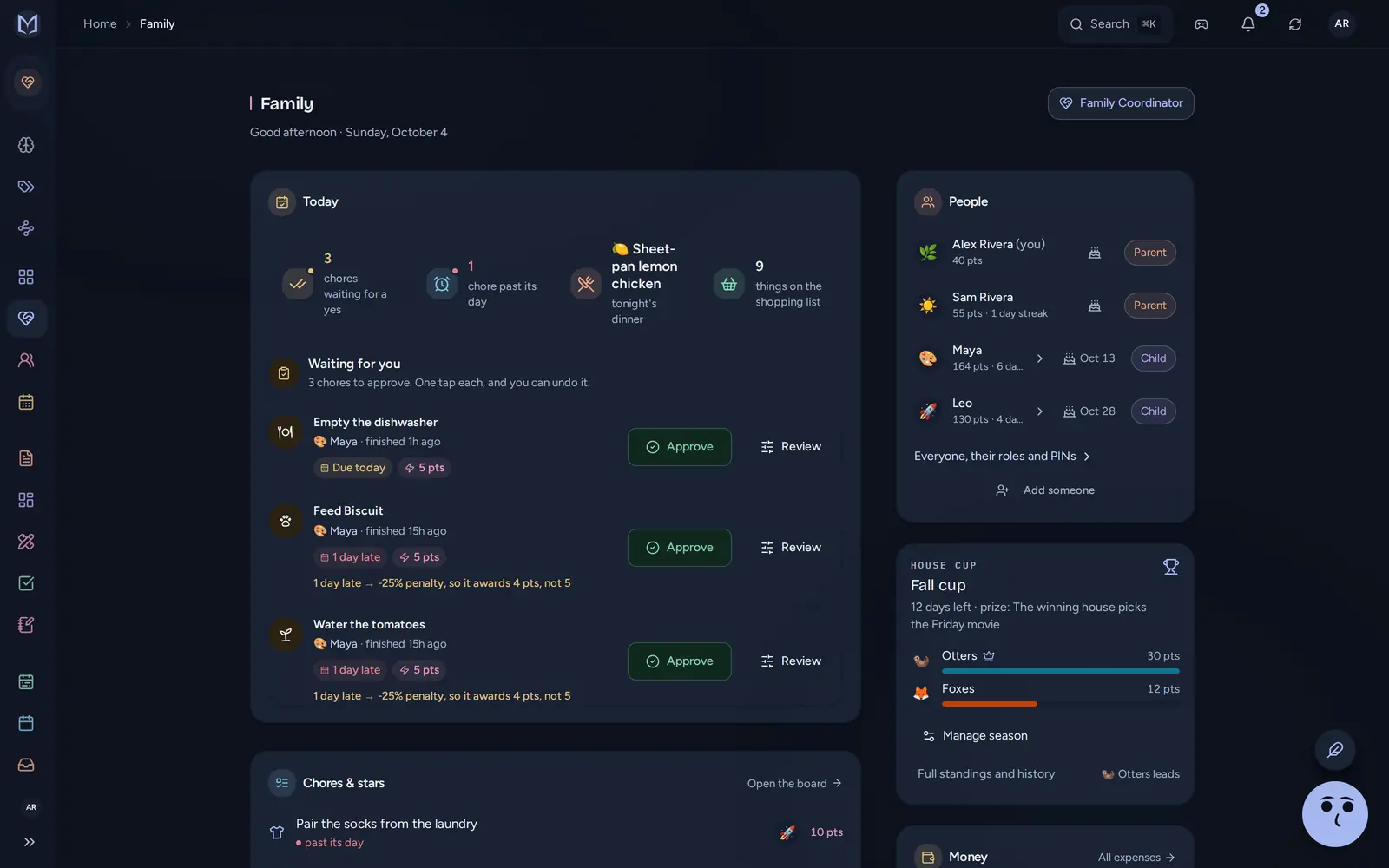
Picture Alex and Sam living in two homes. Alex has the apartment near the school. Sam has the house with the yard, and Biscuit lives there. Maya and Leo are at Alex's from Sunday night to Wednesday morning, and at Sam's for the rest of the week.
Each parent runs a family workspace in The Margin. Sam wants to know when Maya's spelling test is. Sam does not need to know what Alex spent on groceries.
Both homes need the Family plan.
Setting it up, once#
Alex added Maya and Leo to the apartment's workspace, so Alex's home is the one that shares them, one child at a time.
Sharing a child with the other home
- In Family→People, under A child with two homes, Alex picks Share a child, chooses Maya, and chooses Sam.
- Sam has to be one of Alex's connections, or someone Alex already shares a workspace with. A stranger's email address can't be picked.
- Sam sees the offer on the People page and in notifications, picks which of Sam's family workspaces Maya joins, and accepts.
- Alex does the same for Leo.
Now Maya is in Sam's workspace too. Sam can give her chores there, she can earn points there, and she can have an allowance there. She still counts toward the six-person limit only at Alex's, so the house with the yard does not lose two seats.
What crosses: three switches#
The share has three switches, all on to start with. Sam opens See Maya's other home and gets a read-only page with one column for each.
What the other home sees
- Chores
Maya's chores at Alex's: what they are, when they are due, whether they are done.
- Pocket money
the allowance Alex pays Maya: how much, how often, the next payday. Not her balance.
- Calendar
events at Alex's that involve Maya, for the next 60 days. Repeating events just say "repeats".
On Tuesday evening at Sam's kitchen table, that page reads "Practice spelling words · due Sep 30" and "Swimming lesson · repeats".
Add their other home's calendar puts Alex's events for Maya into Sam's calendar as well. They are read-only there and update about once an hour. Alex can see that Sam's home holds this link, and can turn it off.
Maya's birthday shows in both homes by itself, once.
What does not cross#
- Each home's own record of Maya. Her points at Sam's stay at Sam's. She can have 340 points at Alex's and 90 at Sam's, in two separate games.
- Her balances. The pocket money switch shows the allowance, never what Maya has saved or spent.
- Everything else. Notes, boards, spending, the shopping list, the meal plan, the family chat and the other adults in each home are not part of the share.
- Changes. The other-home page has no Done or Approve button. Maya ticks her spelling chore at Alex's, and a grown-up there approves it.
Wednesday morning#
Handover day. Alex drops the kids at school; Sam picks them up.
At 7:40 Alex adds "Field trip, bring a packed lunch" to the apartment's calendar for Thursday and assigns it to Leo. Within the hour it is in Sam's calendar too.
That evening it is Leo's turn on "Walk Biscuit after school" at Sam's. At Alex's he has "Pair the socks from the laundry", due Saturday, when he will be at Sam's. Each home sees the other's chores and sets its own. The app does not move a chore to whichever home the child is in that night.
Margin Intelligence, the app's built-in AI, can do all of this too when asked: share a child, answer an offer, change the switches or end a share.
Changing your mind#
Either home's owner or an admin can change the switches at any time, or end the share. Ending it takes the child out of the other home only. Maya stays in Alex's workspace, and what she did at Sam's stays at Sam's.
Two weeks in, Sam decides that what Sam pays Maya each week is Sam's business, and turns Pocket money off. Nothing is deleted on either side. The next time Alex opens See Maya's other home, the middle column reads "Not shared."